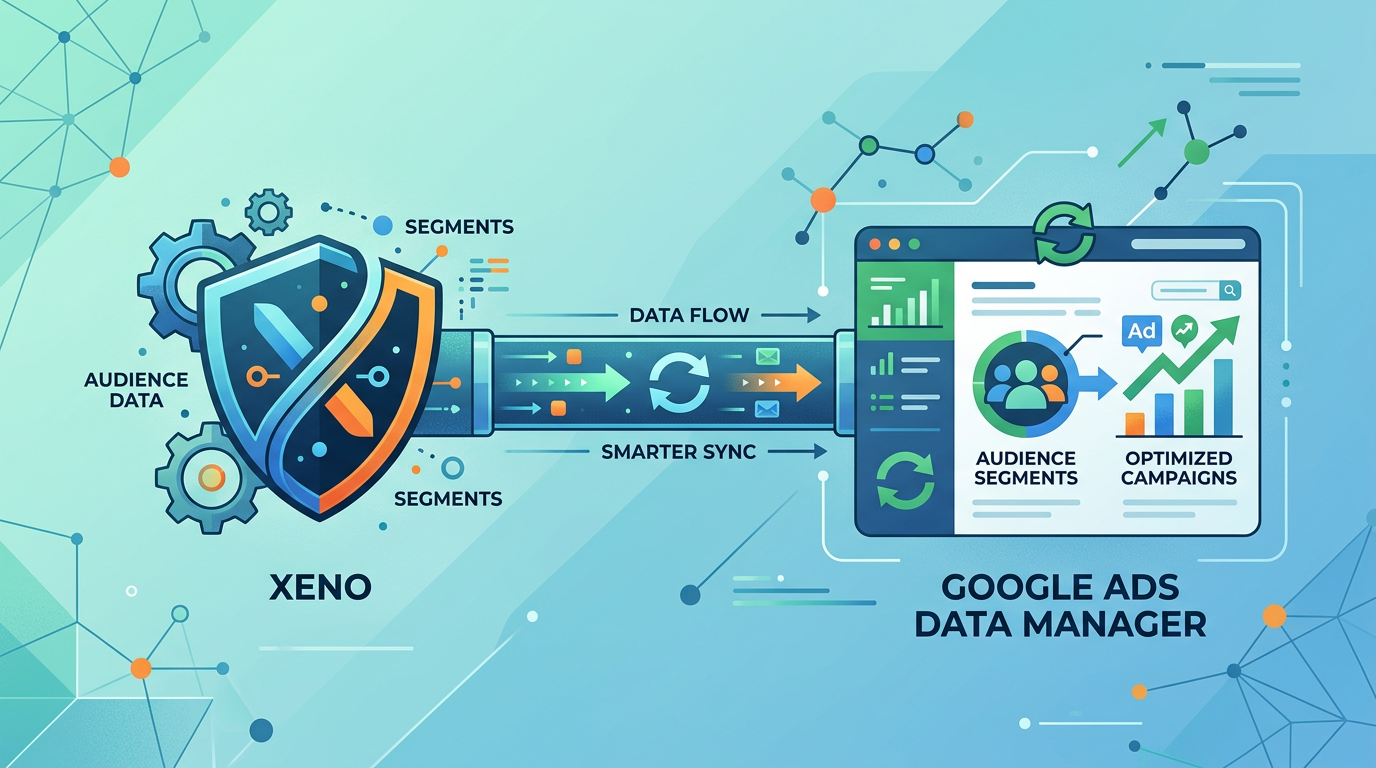
Your audience list is only useful if it stays fresh. Google Ads Data Manager keeps your customer data synced into Google Ads. Xeno then uses that same account to plan and launch the campaigns that reach those audiences. Together, they close the loop between clean data and a live campaign.
What Google Ads Data Manager Does
Data Manager connects your CRM or a data file to Google Ads. It builds two things:
Customer Match audiences (people you already know)
Offline conversion data (sales that happened outside your website)
Before Data Manager, this took several manual steps. Now it is one simple sync. Google has also been pushing everyone toward this tool. Since April 2026, old upload methods stopped working for many advertisers. Data Manager is now the standard way to do this.
Why Fresh Audiences Matter
Google needs a list to have at least 100 active people, updated in the last 540 days. If you never refresh your list, it can stop working. A stale list also costs you money. You keep paying to reach people who are no longer your customers.
Data Manager also keeps your data safe. It uses a secure process, so your raw customer data is used only for matching, nothing else.
The Connection Point: One Shared Account
Here is how Xeno and Data Manager actually connect. They both work off the same Google Ads account.
You sync your customer data into Google Ads through Data Manager. This builds and refreshes your Customer Match audiences.
You connect that same Google Ads account inside Xeno, through Integrations.
Campaign targeting, budget, and creative are planned in one workspace
At launch, It maps the campaign to that connected account and checks everything is ready.
The campaign goes live, reaching the audience that Data Manager kept fresh.
Xeno does not manage your Customer Match lists itself. That work stays in Data Manager. The connection is the shared account: one place feeds the audience, the other plans and launches the campaign around it.
A Simple Example
A skincare brand syncs its CRM to Data Manager every week. This keeps a "Past Buyers" list fresh and active. The marketing lead then opens Xeno, using the same Google Ads account. They set up a remarketing campaign, let Xeno draft the creative, and launch it. The audience stays fresh because of Data Manager. The campaign gets built and launched through Xeno.
Benefits of Connecting the Two
Fresh audiences, since Data Manager keeps the list synced on its own schedule
Faster launches, since Xeno already has the account and audience ready to target
Less manual work, since neither tool needs you to move data by hand between them
Conclusion
Xeno connects to Google Ads Data Manager through the account you already share between them. Keep your audience fresh in Data Manager, connect that account in Xeno, and launch the campaign that reaches it.
Frequently Asked Questions
- How does Xeno connect to Google Ads Data Manager?
- Through the shared Google Ads account. Data Manager keeps your Customer Match audiences fresh on that account. Xeno uses the same connected account to plan and launch campaigns against those audiences.
- Does Xeno upload or manage my Customer Match lists?
- No. That work happens in Google Ads Data Manager. Xeno takes the audience that already exists in your connected account and builds a campaign around it.
- How often should my audience list refresh?
- As often as your customer data changes, ideally on an automatic schedule. Google needs at least 100 active people updated within the last 540 days to keep a list working.
- How long until a new audience goes live?
- Usually within 24 hours after you upload through Data Manager.