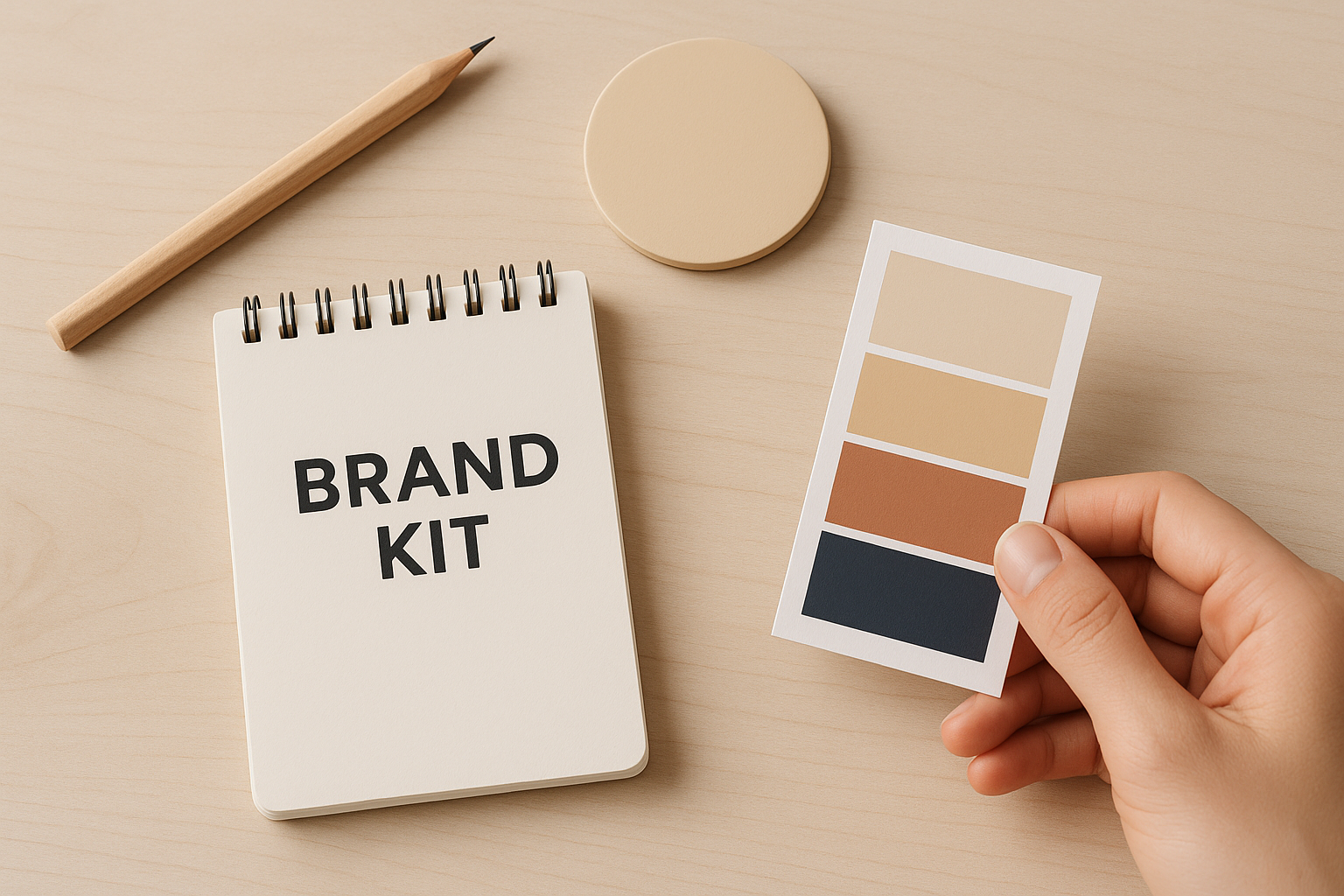
AI can make creative fast. A brand kit is what makes it consistent. In Pixeo it becomes your Core context, set once, then used on every ad you generate.
AI can generate an ad in seconds. The harder problem is generating your ad, again and again, so ten assets across ten campaigns still look like one brand.
Without a defined brand, every generation starts from a blank slate. Colors drift, the logo gets treated differently, the tone shifts, and the output stops feeling like you. The fix is not a longer prompt. It is a brand kit the AI reads first.
What Is a Brand Kit for AI Creative?
A brand kit is the structured set of assets and rules that define how your brand looks and sounds. It used to live in a PDF for designers. For AI creative, it becomes the context the model reads first. In Pixeo it is your Core context, set once during a short onboarding and reused on every request, so you never re-explain the brand. A useful kit includes:
Logo files, variants, and clear-space rules
A defined color palette with exact values
Typography and how headings and body relate
Brand voice, tone, key messages, and taglines
Your category and the dos and don'ts that come with it
Context First, Not Prompt First
Big AI tools start from a clever prompt and hope. A brand-led tool starts from the brand. With a brand kit in place, every creative begins on-brand instead of being coaxed there one prompt at a time. It keeps every asset on-brand, lets Pixeo ask fewer questions, and lets one identity scale across campaigns, channels, and formats.
What Goes Into a Brand Kit ?
Think of the kit as a hub every creative decision points back to. Each part answers a question the AI would otherwise guess at.

The components of a brand kit
Logo: variants, spacing, and how it should never be used.
Colors: primary and secondary colors with exact values.
Typography: fonts and the hierarchy between heading and body.
Voice and tone: how the brand speaks, taglines, and words to avoid.
Category pack: scenes, hooks, and compliance flags for your industry.
Audience: who you speak to and how the brand is positioned.
How to Build Your Brand Kit
Step 1 - Gather what you already have
Pull together your logo files, colors, fonts, and a few pieces of past creative you like. Most brands own more than they think.
Step 2 - Lock your colors and type
Write your palette with exact values and define which font carries headlines versus body. Precision here stops the drift later.
Step 3 - Capture your voice
Describe how the brand speaks in a few words, list taglines and value props, and note words to avoid. For DivineTalk: warm, trustworthy, personal.
Step 4 - Set category and guardrails
Pick your category and note the dos and don'ts. Pixeo loads a category pack, so scenes, hooks, and compliance flags come built in.
Step 5 - Set it once in onboarding
Enter it during Pixeo's short onboarding. From there it becomes your Core context, and most other details are inferred.
Core and Prompt, Working Together
Pixeo reads two layers. Your brand kit is the Core, the standing truth about your brand. Each request adds a Prompt for that one campaign.
Core is protected: your brand kit stays put, and the tool never changes it silently in the background.
Prompt leads a run: for a single ad, the campaign brief takes priority, so you can flex when you need to.
Facts stay honest: every detail shown traces to a real source; unknowns are asked or left out, never invented.
Brand Kit + Creative Request = On-Brand Creative
Best Practices
Define guardrails: dos and don'ts matter as much as assets. Say what not to do.
Separate fixed from flexible: keep logo, voice, and colors as Core; let scene and format flex per run.
Keep facts accurate: the platform sources every fact it shows, so an accurate kit keeps ads truthful.
Start with what you have: a simple, accurate kit beats a perfect one you never finish.
A Kit, Not Just Assets
A brand kit turns AI from a random generator into a consistent brand engine. In the app it is the Core every creative builds on, set once and reused everywhere. Build it well, keep it current, and every ad starts from the same foundation.
Frequently Asked Questions
- What is a brand kit?
- A structured set of brand assets and rules, logo, colors, typography, voice, and category guardrails, that defines how your brand looks and sounds. In the system it is the Core context the model reads before generating.
- How does the tool use my brand kit?
- It reads your kit as Core context and combines it with each request. The prompt leads a single run, the Core is never changed silently, and every fact shown traces to a real source.
- Where do I set it up?
- During the platform's short onboarding. After that, most details are inferred from your brand and product, so you answer fewer questions on every creative.