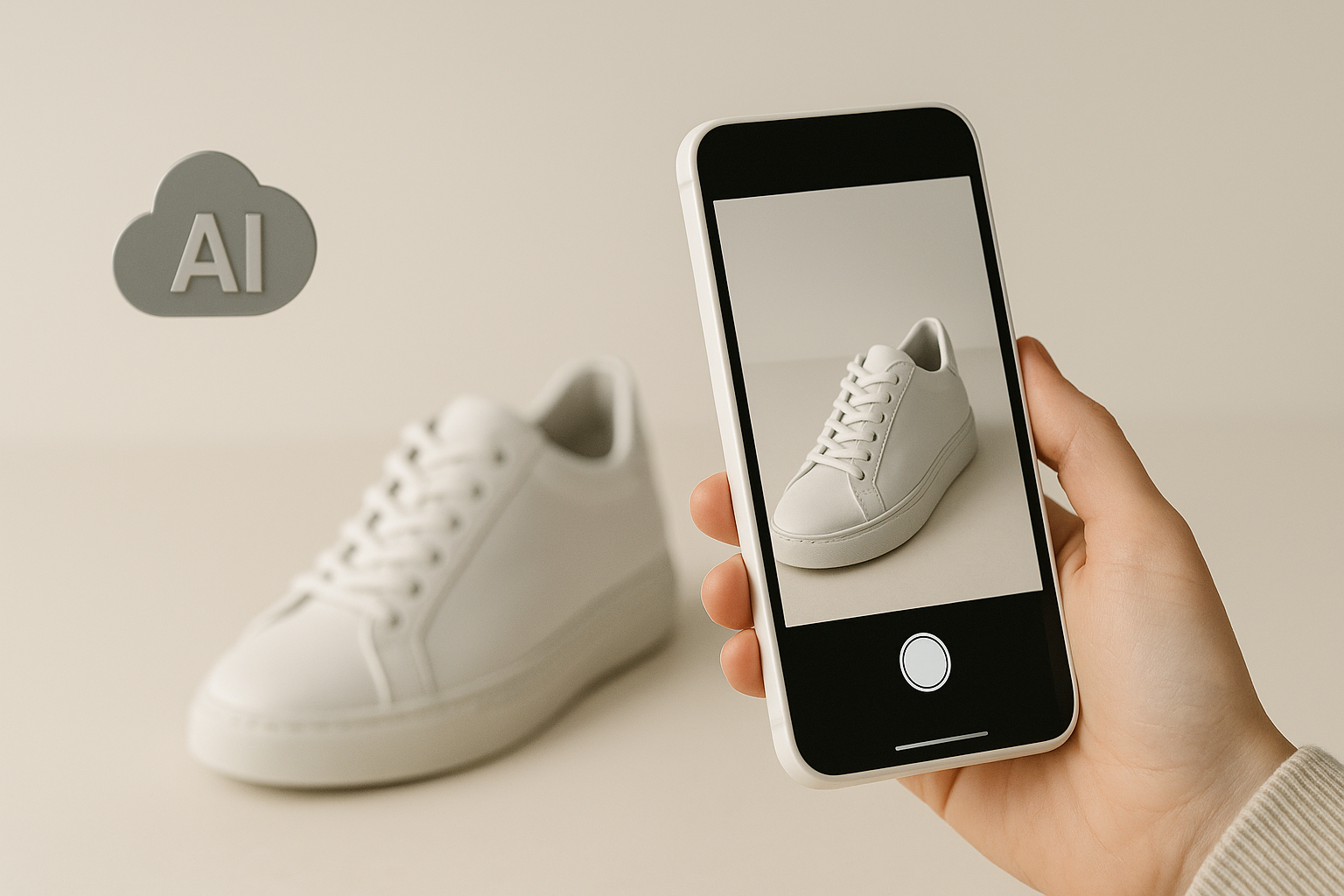
One product photo can fill every section of a D2C landing page, hero to promo, on-brand and product-accurate, without booking a shoot for each one.
On a D2C landing page, the product visual is the product. Shoppers cannot pick it up, so the page has to show it well, from the hero all the way down.
The old way means a photoshoot per concept and a wait of days. Generic AI tools promised speed but break the one thing that matters: they change the product. Pixeo does the opposite. It keeps your real product exact and builds the scene around it, from a single phone photo or a product link.
Product Visuals Decide D2C Pages
A landing page is your shelf. Strong product visuals carry trust and conversion, and every section needs a different one. That is a lot of shots for one product, and reshooting each concept is exactly what slows a D2C team down.
What Is an AI Product Photoshoot?
It takes an existing product image and generates new scenes around it. The goal is not to recreate the product. It is to build the scene around a product that stays exactly as it is. All Pixeo needs to start is a product photo or URL and the goal for the ad, and every run returns four concepts to choose from. Fidelity is non-negotiable: your logo, packaging, colors, and on-pack text stay untouched. The scene can change. The product doesn't.
One Product, Every Landing-Page Section
The real win for D2C is coverage. From a single product image, Pixeo can produce the distinct visual each section of the page needs.

One product photo mapped to landing-page sections
Hero: a clean, product-focused visual that leads the page.
Features: the product in a contextual environment that explains a benefit.
Use case: an in-use shot showing someone with the product.
Promo: a bolder treatment for offers, with the same product identity.
From Product Photo to Page-Ready Visuals
It runs as a chat. You brief it, it proposes a direction, and nothing is generated until you approve.

The the tool product photoshoot flow
Step 1-Add your product and goal
Drop in a product photo or paste a product link, and say what the section is for. That is all the platform needs to begin.

Briefing the app with a product reference
Step 2 - Pixeo reads product and brand
It detects the product from the image, its category, packaging, logo, colors, and on-pack text, then adds your brand automatically.
Step 3 - Approve the direction
Before generating, the system lays out the direction it will take. You approve it or change it. Nothing is made until you say yes.
Step 4 - Get four concepts
Each run returns four scene concepts, so you can pick the one that fits the section instead of settling for one guess.
Step 5- Refine and export
Refine by chat, each change a new version, then export the right sizes for your page or push a variation to test.

The generated product creative on the the tool canvas
Product-Hero vs In-Use
It builds a shot in one of two ways, chosen automatically to fit what the section needs to say.
Product-hero (fidelity guaranteed): the product alone in a scene, for heroes and feature shots. It cuts it out, locks it, generates the scene behind it, and composites it back, verifying branding.
In-use (fidelity high): someone using the product, for use-case sections, placed into a realistic usage scene and kept matched to the real item.
From One Photo to a Full Page
An AI product photoshoot is not a replacement for photography. It is a faster way to dress a landing page: one real product asset becomes the hero, the feature shots, the use case, and the promo, without a new shoot for each. The starting point stays the same, your real product, and the page fills out around it.
No reshoot: cover every section without booking another studio day.
Full coverage: hero to promo from one product image.
Product-accurate: your product stays the source of truth on every section.
Built to convert: marketing-ready visuals, not just pretty pictures.
Frequently Asked Questions
- What is an AI product photoshoot?
- It takes an existing product image and generates new scenes around it, keeping the product exactly as it is. It builds the scene, not a new product.
- Can it cover a whole landing page?
- Yes. From one product photo, the platform can produce the hero, feature, use-case, and promo visuals a D2C page needs, each on-brand and product-accurate.
- What do I need to start?
- A product photo or a product URL, plus the goal for the section. It fills in your brand automatically and returns four concepts per run.