When app-based businesses try to automate search ads, the biggest problem is usually not the bidding strategy. It is not knowing which installs actually turn into paying users.
You turn on automated bidding, cost per install drops, and the campaign looks like a win. Three weeks later, nobody can tell if those installs ever opened the app again, let alone paid for anything.
The good news is that this is usually easy to fix.
To automate search ads for an app business, connect your app's conversion data to Google Ads, choose a bidding strategy built around the event that actually matters (not just installs), and let a platform like NYX handle keyword expansion, budget shifts, and creative testing based on that data.
The most important thing is getting accurate in-app conversion data flowing before you turn automation on.
App businesses run into this more than most, because the value of an install is not obvious at click time. A retail website knows within minutes whether a click led to a purchase. An app often does not know for days, sometimes weeks, whether an installed user will ever pay. Automation needs that delayed signal fed back accurately, or it optimizes toward the wrong outcome from day one.
What Does Automating Search Ads for an App Actually Mean?
Search ads for app businesses usually run as App campaigns, or as standard Search campaigns pointed at a deep link into the app.
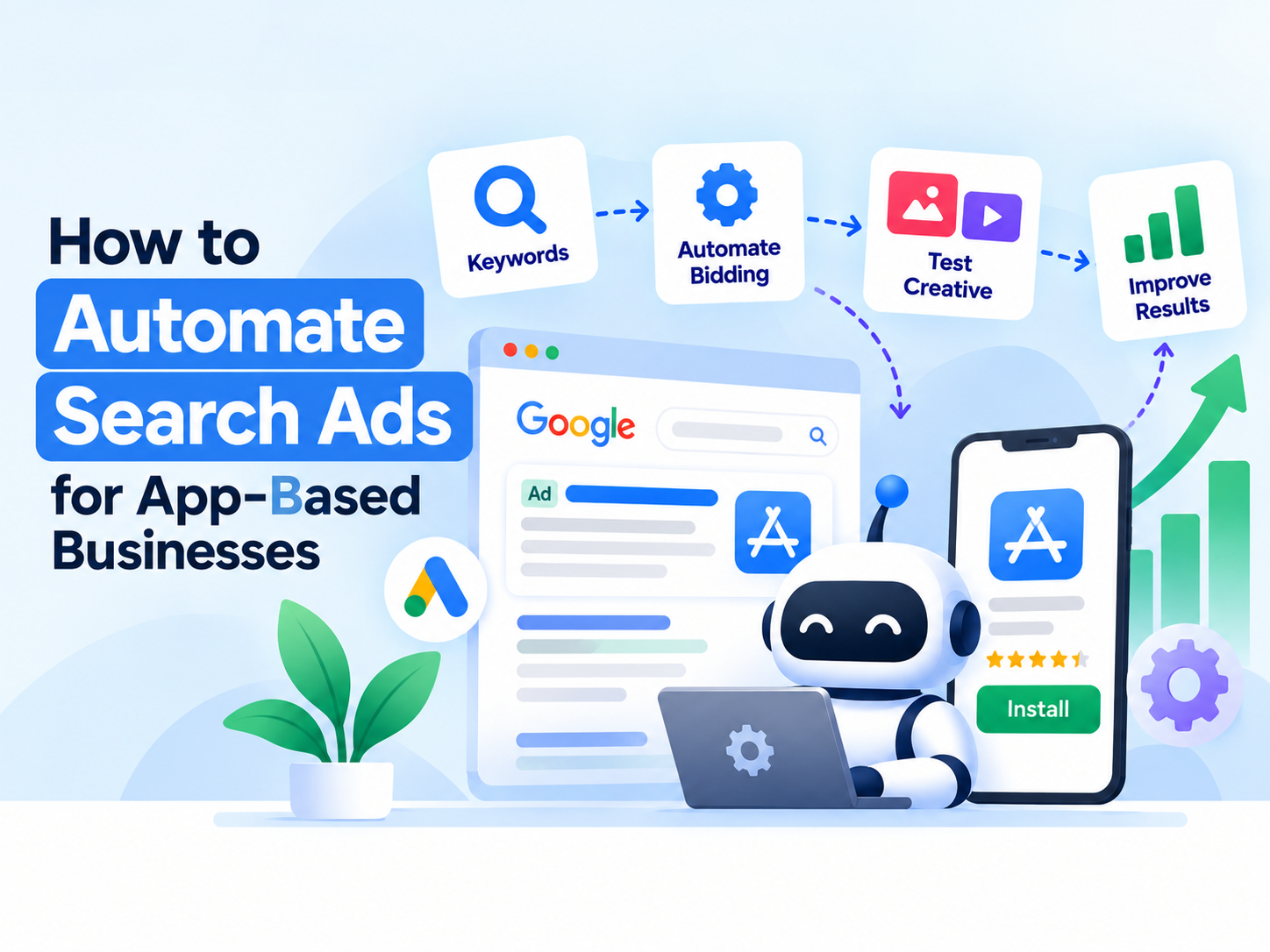
Automation works on three layers: bidding, keyword and audience targeting, and creative testing.
When you turn on automated bidding, Google's algorithm (or a layer like NYX sitting on top of it) adjusts bids in real time based on the conversion signal you give it.
This is not the same as automating your budget. If the algorithm has nothing to learn from, it cannot make good decisions no matter how automated the setup looks.
App Campaigns vs Search Campaigns: Which Should You Automate?

App-based businesses usually choose between two campaign types, and automation behaves differently in each.
App Campaigns
Google automatically places ads across Search, Display, YouTube, and Play. You provide creative assets and a goal, and the algorithm builds the ad combinations itself. This is the more hands-off option and works well once you have enough conversion data.
Search Campaigns with Deep Links
You control the exact keywords and ad copy, and clicks open a specific screen inside the app instead of the app store listing. This gives more control but needs more manual setup before automation can take over bidding.
Most app businesses start with Search campaigns to control keyword intent closely, then move budget into App campaigns once conversion data is strong enough for Google's automation to perform well on its own.
There's a middle path too. Some teams run both at once, deep-link Search campaigns for high-intent branded and competitor terms, and App campaigns for broader discovery, so each campaign type is automating the part of the funnel it handles best.
Why Can Automation Run But Still Not Improve Results?

This is where most app marketing teams get stuck.
1. You Are Optimizing for Installs, Not the Event That Pays the Bills
Installs are the easiest event to track, so many campaigns default to it. The algorithm then gets very good at finding cheap installs, including ones that never convert to a paying user.
2. Post-Install Event Tracking Is Incomplete
If your mobile measurement partner is not sending purchase, subscription, or trial-start events back to Google Ads, the algorithm never sees what a good install looks like.
3. Budget Is Spread Too Thin
Automated bidding needs a minimum volume of conversions to learn from. Splitting spend across too many campaigns or keyword themes means no single campaign gets enough data to optimize well.
4. Creative Is Not Refreshed
An automated bidding strategy can still stall if the same few ad variations have been running for months. The algorithm runs out of new signals to test.
5. Attribution Windows Do Not Match the App's Buying Cycle
Some apps see purchases happen days or weeks after install, not minutes. If the attribution window in Google Ads is shorter than the real conversion delay, the algorithm optimizes against incomplete data.
How Do You Automate Search Ads for an App-Based Business?
1. Connect Your Measurement Partner to Google Ads
Link AppsFlyer, Adjust, Branch, or your SDK of choice to your Google Ads account first. This is the foundation everything else depends on.
2. Import the Events That Actually Matter
Pull in purchase, subscription, or trial-start events, not just installs. If revenue varies by user, pass the value back too.
3. Choose a Bidding Strategy That Matches Your Goal
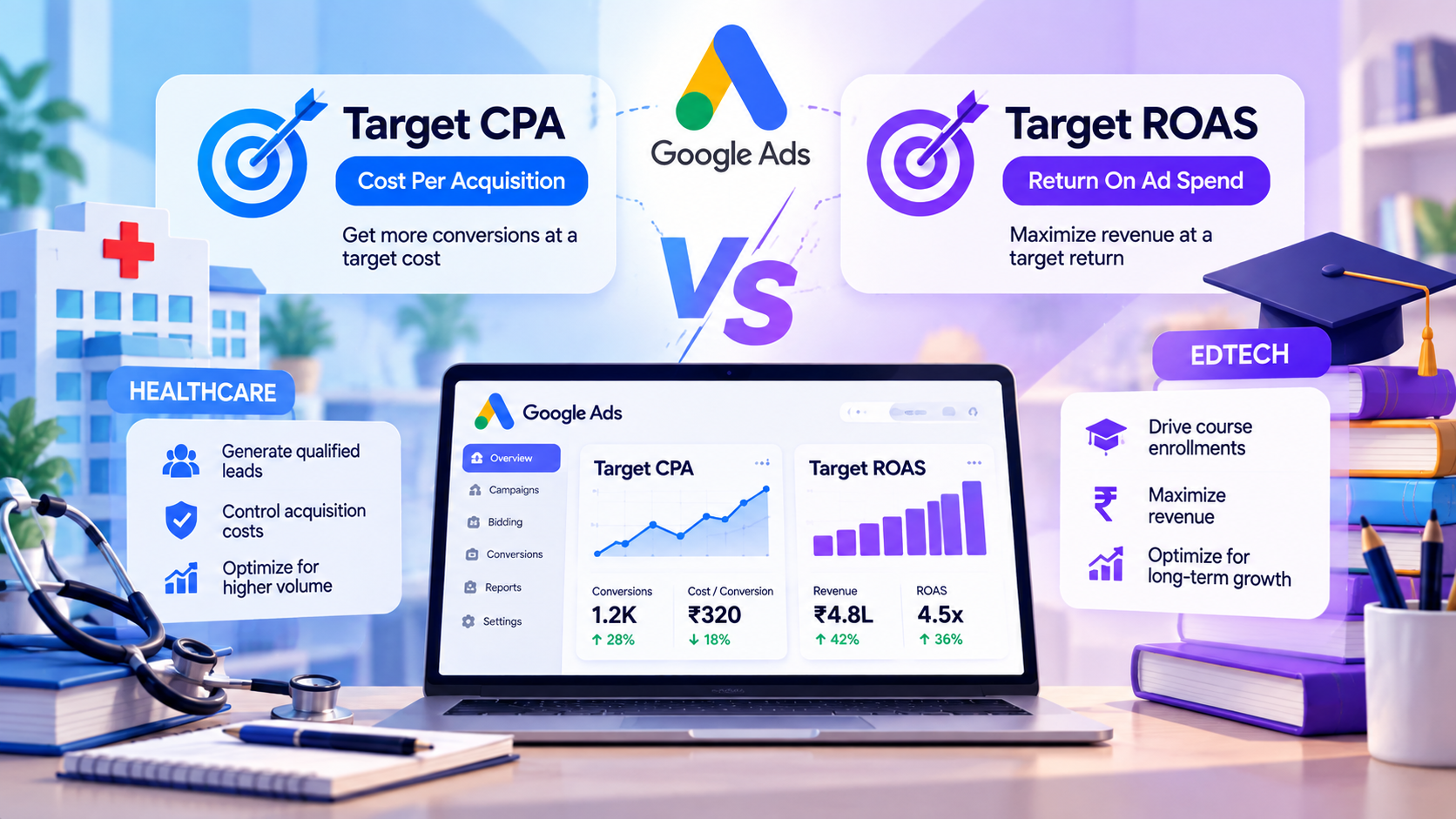
Use Target CPA if the goal is quality installs. Use Target ROAS if the goal is revenue from in-app purchases or subscriptions.
4. Consolidate Campaigns So the Algorithm Has Enough Data
Fewer, broader campaigns usually outperform many narrow ones for automated bidding, since each one accumulates conversions faster.
5. Automate Keyword Expansion and Creative Testing
A platform like NYX can continuously test new search terms and ad variations against your actual conversion data, instead of a team manually reviewing search term reports every week.
6. Set a Review Cadence, Even on Autopilot
Automated does not mean unattended. Check conversion accuracy, spend distribution, and creative performance every couple of weeks, especially in the first month after any major change.
Which Bidding Strategy Fits Which Goal?
App Goal | Suggested Bidding Strategy | Data Needed Before Switching On |
Installs | Target CPA (install) | SDK install tracking, working attribution |
In-app purchases | Target ROAS | Purchase event with value passed back |
Subscriptions | Target CPA or Target ROAS (paid conversion) | Paid-subscription event, not just trial start |
Re-engagement | Target CPA (re-engagement) | Deep links tested and confirmed working |
What Signals Should You Feed the Algorithm at Each Stage?
Campaign Stage | Signal to Optimize Toward | Why |
Early (low data) | Installs | Not enough purchase data yet for the algorithm to learn from a rarer event |
Growing | Trial start or first purchase | A more meaningful event than installs, still frequent enough to optimize on |
Mature (steady volume) | Paid subscription or purchase value | Enough volume for the algorithm to optimize directly for revenue |
What Tracking Do You Need for Each App Goal?
Optimizing for Installs
This works well early on, when you have little conversion data and need volume to start learning from. Move off install-only bidding once you have enough purchase or subscription data to bid on.
Optimizing for In-App Purchases
Requires purchase value to be passed back accurately. Without it, Target ROAS has nothing to calculate a return against.
Optimizing for Subscriptions
Trial starts are a weak signal on their own, since many trials never convert. Where possible, feed the algorithm the paid-conversion event, not just the trial.
Optimizing for Re-engagement
Deep links need to be tested before scaling spend. A broken deep link sends a re-engaged user to a generic app store page instead of the exact screen the ad promised.
How Do You Measure Success After Automating?
The right metrics shift once automation takes over, since cost per install alone stops telling the full story.
Cost Per Target Action
Not cost per install, but cost per purchase, subscription, or whichever event you optimized for.
Return on Ad Spend (ROAS)
Revenue generated against spend, especially important once Target ROAS bidding is live.
Day 7 and Day 30 Retention
Cheap installs that don't stick around are a sign the algorithm is optimizing for volume over quality.
LTV to CAC Ratio
A longer-term check that automated bidding is acquiring users worth more than they cost, not just users who are cheap to acquire.
Reviewing these alongside the standard Google Ads dashboard gives a clearer picture than cost per install ever could on its own.
A Simple Example:
A mid-sized fitness app decides to automate its search campaigns.
Installs Work Immediately
SDK tracking is already in place, so Target CPA finds cheap installs within days.
Subscription Revenue Does Not Improve
The team is bidding on installs while the actual goal is paid subscriptions. Once they connect their measurement partner's subscription event and switch to Target ROAS, campaign quality improves within two weeks.
One Campaign Stalls
A branded search campaign gets almost no conversions because the budget is split across ten near-identical keyword variations. Consolidating them into fewer, broader ad groups gives the algorithm enough volume to optimize.
Creative Goes Stale
The same two ad headlines have run for four months. New variations, generated and tested automatically, restart the algorithm's learning phase and lower cost per subscription.
A Second Example
An edtech app selling annual course subscriptions notices installs are cheap but very few convert within Google's default attribution window. Purchases typically happen ten to fourteen days after a free trial starts, well past the short window the campaign was set to measure. Extending the conversion window and switching the optimization event from trial start to paid subscription gives the algorithm a truer picture, and cost per paid subscriber drops within a month.
The lesson: automation only works as well as the data, volume, and timing behind it.
What Happens After Automation Is Set Up?

Once bidding, tracking, and creative testing are running, the process becomes a loop: connect data, automate bidding, test creative, measure results, then scale what works.
Platforms like NYX are built around exactly this loop. Creatives get generated in Pixeo, campaigns launch through Xeno, and results get measured in Neo, so the cycle keeps running without a team manually rebuilding it every month.
As more campaigns move onto this loop, the team spends less time on manual keyword reviews and more time deciding which goals and budgets to test next. Over a few months, that usually means fewer campaigns overall, each carrying more budget and more conversion history, which is exactly the condition automated bidding needs to perform at its best.
Start With One Campaign
Don't automate every search campaign at once.
Pick the campaign tied to your most important event (usually paid subscriptions or purchases), get its tracking right, and automate that one first. Once it's performing well, apply the same setup to the rest.
This also gives you a clean way to prove impact before rolling automation out further. A single well-tracked campaign, run for a full learning cycle, tells you more about whether automation is worth expanding than switching every campaign over at once and trying to untangle what changed.